The Members page controls access. It shows the machines that can connect to the registry. Open the page from the account menu. The page is for access control, not for analytics. The registry never connects member keys to feedback events. Thus no data on this page shows what a person did.
Invite a colleague
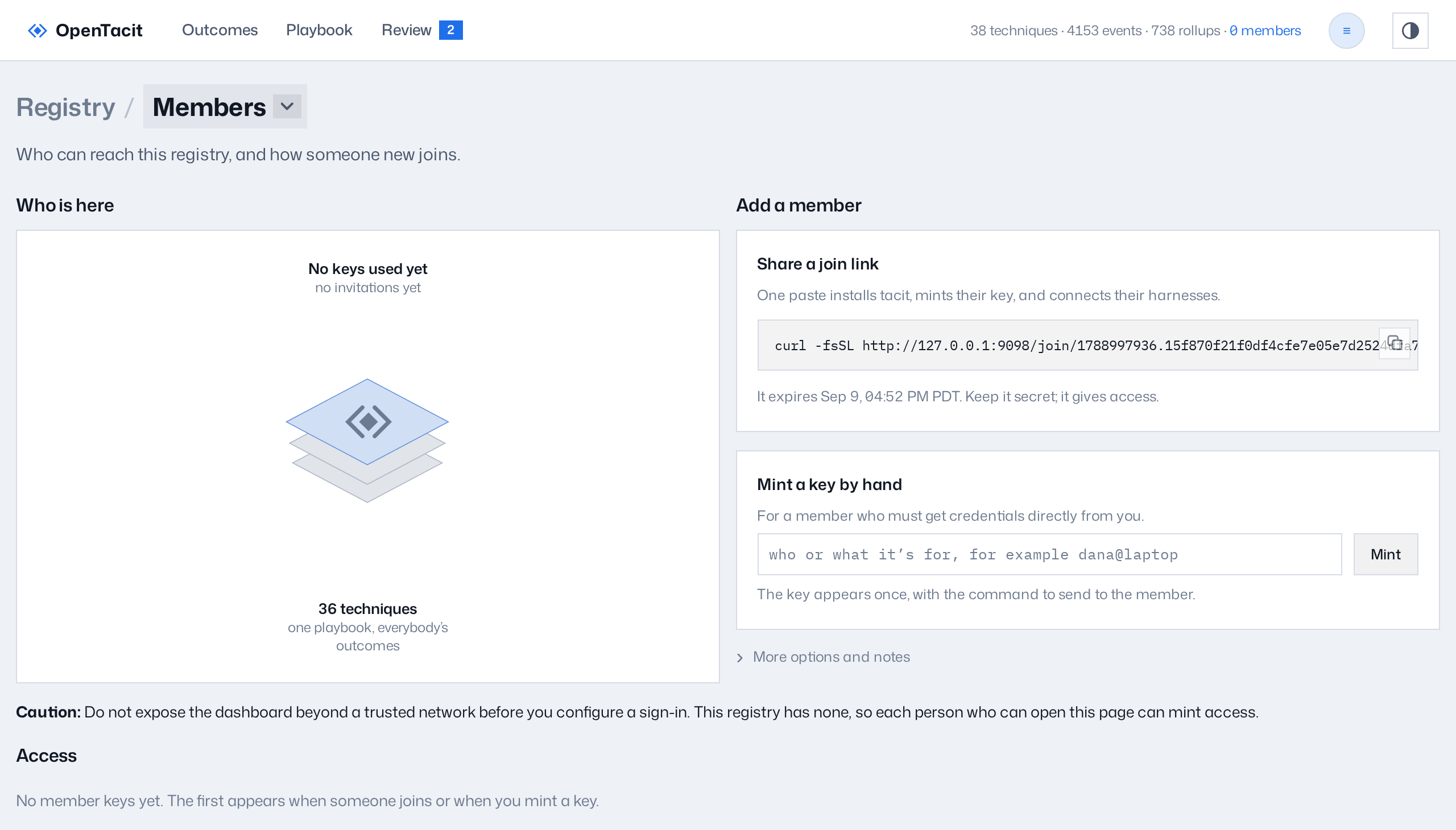
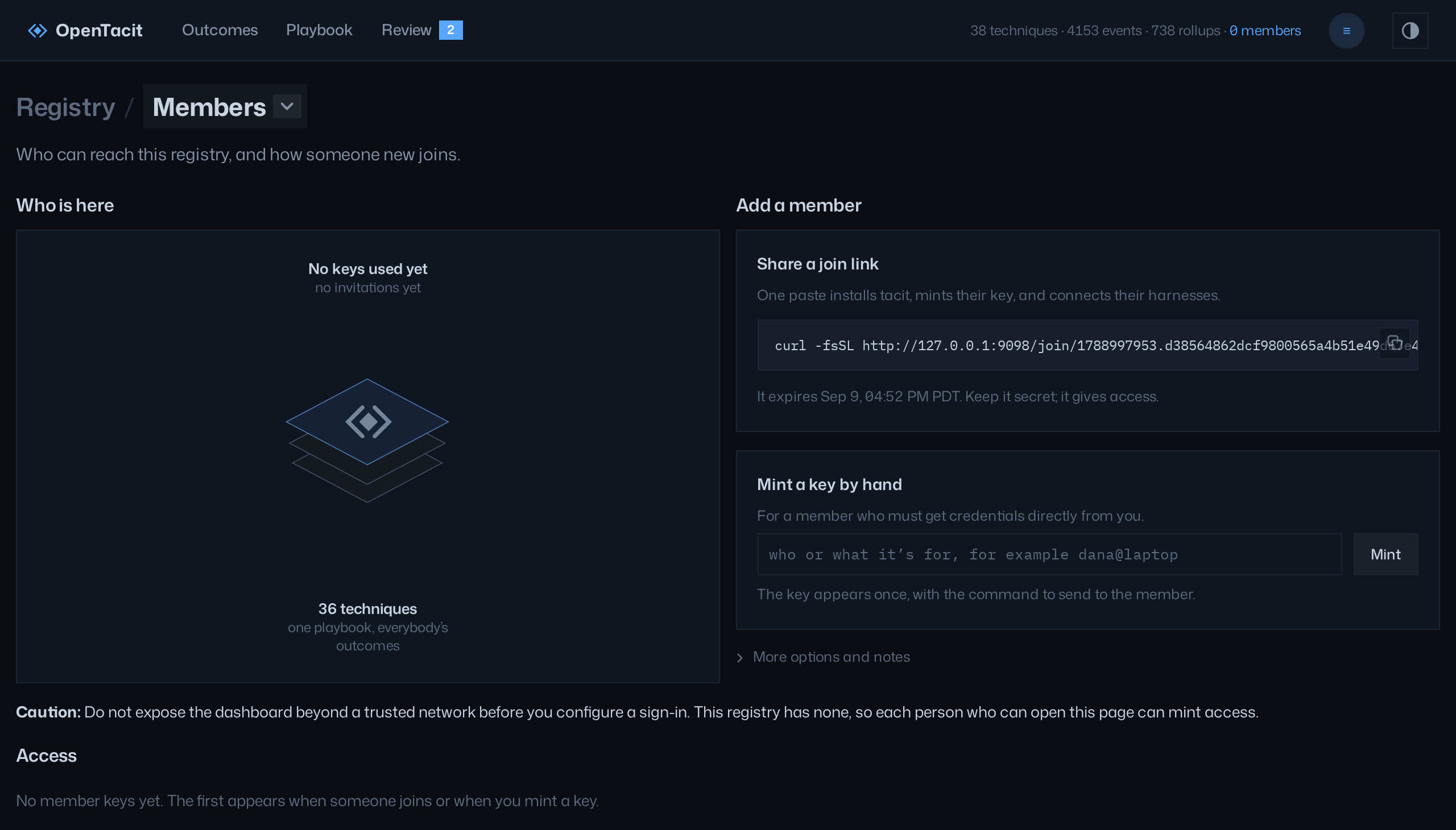
The page gives two methods to add a member:
- Share a join link. Copy the one-line command and send it. The command installs OpenTacit, joins the registry, and connects the AI tools of your colleague in one step. Links expire. Each person that has a link can join. Give a join link the same protection as a password-reset email.
- Mint a key manually. Enter a label (a name or a machine) and click Mint. The key shows one time only, together with the exact
tacit connectcommand to send. Copy the key before you leave the page. The page does not show the key again.
The "More options and notes" section describes the equivalent commands (tacit invite, tacit join, and manual installation) and the repository marker. The command tacit invite --repo commits a small file to a repository. Colleagues who open the repository then get an invitation to join, one time only. The marker contains only the address of the registry. It never contains a key.
Watch coverage
The coverage line gives a summary without observation of persons. It shows:
- The number of members that were active this week
- The number of members that joined in the last 30 days
- The number of members that became inactive
The source of these numbers is key activity only.
Manage access
The access table lists each member key with its label, its creation date, its last-seen date, and its status. To remove access:
- Click Revoke on the row of the member. The machine of the member loses access immediately.
- If the revocation was an error, click Reinstate.
- To remove the record fully, first revoke the key. Then click Delete. Two intentional steps are necessary. Thus one incorrect click cannot erase a member.
Note: If sign-in is not configured, the page shows a caution. Each person that can open the dashboard can then manage members. Configure OIDC before you put the registry on a network. See Turn on sign-in.